Best Gaming Monitors in 2026: Budget, 1440p and High Refresh Rate Picks
Find the best gaming monitor for your budget in 2026. Compare 1080p and 1440p displays, refresh rates, IPS and OLED panels, and essential gaming features.
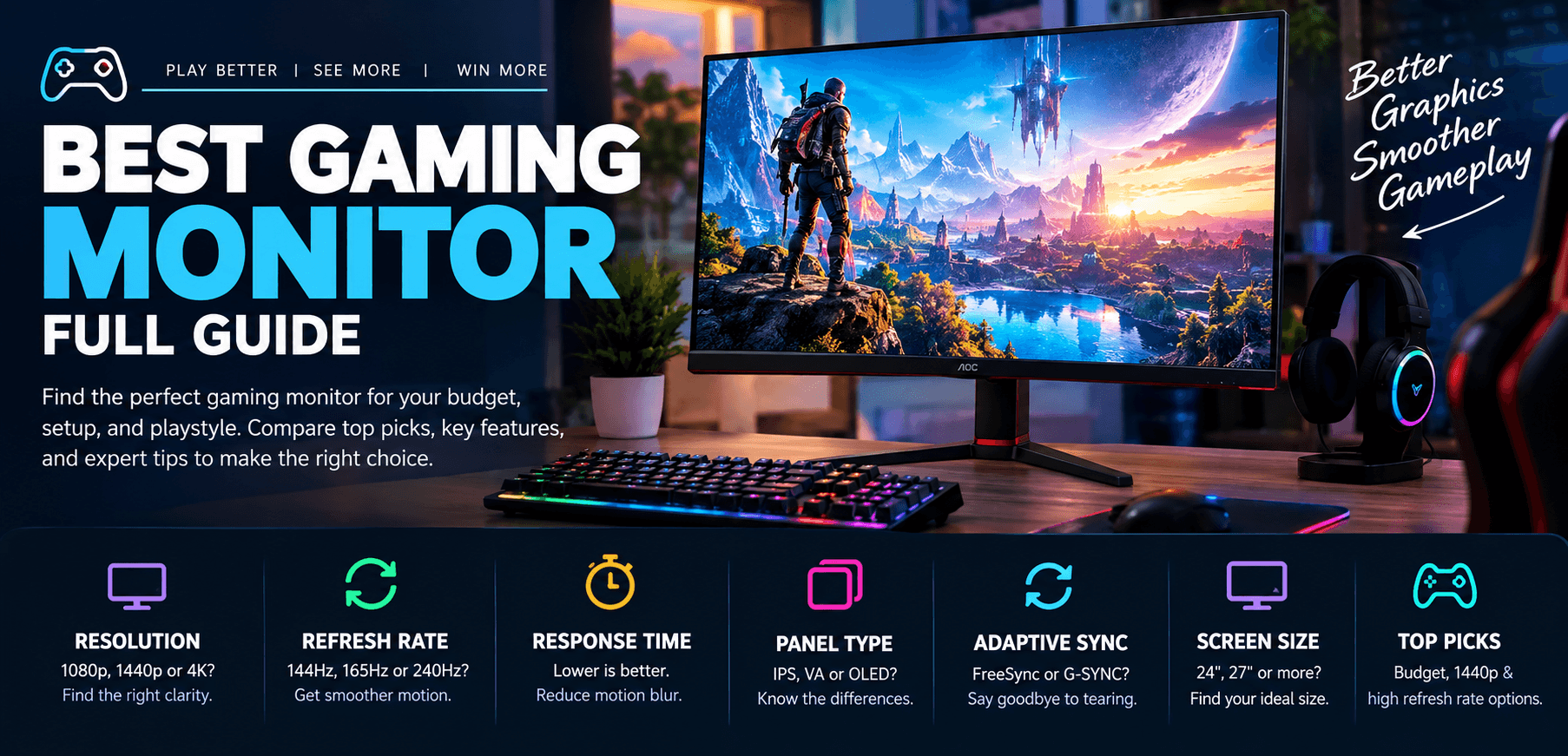
Choosing the best gaming monitor can improve your gaming experience with smoother motion, sharper visuals, and more responsive gameplay. Whether you play competitive esports titles or immersive single-player games, the right display depends on your budget, graphics card, preferred resolution, and target frame rate.
In this guide, we'll look at three gaming monitor options for different needs and explain how to choose between 1080p, 1440p, and 4K resolution, refresh rates, IPS and VA panels, OLED displays, and adaptive sync technologies.
1. AOC 24G2 — Budget Gaming Monitor
The AOC 24G2 is a 24-inch Full HD gaming monitor designed for gamers who want responsive gameplay without spending too much. Its compact screen size makes it suitable for smaller desks and competitive games where keeping the entire display in view is important.
A 1080p gaming monitor is a practical option for entry-level and mid-range gaming PCs, especially if you prioritize frame rates over resolution. Before purchasing, check the exact model variant, refresh rate, connectivity, and current availability.
Best for: Budget gaming, esports, and first-time monitor upgrades.
2. LG UltraGear 27GP850 — 1440p Gaming Monitor
The LG UltraGear 27GP850 is a 27-inch QHD gaming monitor aimed at players who want sharper visuals and smooth gameplay. Its 2560 × 1440 resolution offers more detail than Full HD, making it suitable for modern PC games, productivity, and everyday use.
A 1440p gaming monitor can be an excellent middle ground between image quality and performance. However, your graphics card needs to deliver a suitable frame rate at the higher resolution to make the most of the display.
Best for: 1440p gaming, immersive visuals, and everyday PC use.
3. ASUS ROG Swift PG279QM — High-End Gaming Monitor
The ASUS ROG Swift PG279QM is a premium 27-inch QHD gaming monitor built for players who prioritize fast, responsive gameplay. Its high refresh rate makes it particularly appealing for competitive games, where smooth motion and reduced display latency can matter.
A high-refresh-rate gaming monitor is most useful when your PC can produce high frame rates in your favorite games. Check the monitor's supported refresh rates, available ports, and adaptive sync compatibility before buying.
Best for: Competitive gaming, high frame rates, and premium PC setups.
How to Choose the Best Gaming Monitor
1080p vs. 1440p vs. 4K
Your ideal gaming resolution depends on your screen size, viewing distance, and graphics card.
- 1080p (Full HD): A sensible choice for budget gaming PCs, 24-inch displays, and competitive gaming.
- 1440p (QHD): Offers sharper visuals and a good balance between image quality and GPU performance, particularly on 27-inch screens.
- 4K (UHD): Provides more detail for large displays and visually rich games but requires considerably more graphics processing power at high frame rates.
144Hz vs. 165Hz vs. 240Hz
A higher refresh rate allows the display to update more frequently. Moving from 60Hz to 144Hz can make compatible games feel noticeably smoother.
A 165Hz monitor offers a modest increase over 144Hz, while 240Hz can benefit competitive players who consistently achieve high frame rates. Choose a refresh rate that matches your hardware and gaming preferences rather than paying extra for specifications you cannot fully use.
IPS vs. VA vs. OLED
- IPS: Often provides good color reproduction and wide viewing angles, making it a versatile option for gaming and productivity.
- VA: Generally offers stronger native contrast, which can be useful in darker rooms. Motion performance varies by model.
- OLED: Delivers excellent contrast, deep blacks, and very fast pixel response. OLED monitors typically cost more, and long-term image retention is worth considering.
Compare independent motion tests, brightness, contrast, and color performance rather than relying on panel labels alone.
Why Adaptive Sync Matters
AMD FreeSync and NVIDIA G-SYNC-compatible technologies can synchronize the monitor's refresh rate with your graphics card's output within a supported range. This helps reduce screen tearing and can make variable frame rates look smoother.
Check the monitor's supported refresh-rate range, graphics card compatibility, and connection requirements before purchasing.
Frequently Asked Questions
What is the best gaming monitor for most PC gamers?
A 27-inch 1440p monitor with a refresh rate of 144Hz or higher is a useful starting point for many PC gamers. The best choice still depends on your budget, graphics card, and preferred games.
Is a 144Hz gaming monitor worth it?
For many gamers, yes. A 144Hz monitor can provide smoother motion than a 60Hz display when your system delivers enough frames. The improvement is especially noticeable in fast-paced games.
Should I buy a 1080p or 1440p gaming monitor?
Choose 1080p if affordability and high frame rates are your priorities. Consider 1440p if you want sharper images and have a graphics card capable of running your games comfortably at that resolution.
Is OLED better than IPS for gaming?
OLED generally delivers deeper blacks, stronger contrast, and faster pixel response. IPS can offer better value and is available across a wide range of prices. Your choice depends on budget, brightness needs, usage, and personal preference.
Final Verdict
The best gaming monitor is the one that balances resolution, refresh rate, image quality, and price for your particular setup. A 1080p display can be a smart budget purchase, while 1440p offers a compelling balance for many modern gaming PCs. High-end displays make the most sense when your hardware can take advantage of their performance.
Compare current prices, verify the exact model specifications, and choose a monitor that matches the games you play and the hardware you own.
Transform Your Digital Infrastructure
Our team designs and ships custom Next.js web applications, mobile apps, and scalable cloud solutions for high-growth tech companies.
Chat Directly on WhatsApp