Best Android TV Box in 2026 – Buying Guide
Discover the best Android TV Box in 2026. Learn about essential features, 4K streaming, app compatibility, and how to choose the right device for your home entertainment.
Introduction
Are you looking for an easy way to enjoy online entertainment on your television? An Android TV Box can help you access streaming applications, watch online videos, and enjoy digital entertainment on a compatible TV.
Whether you want to upgrade an older television or improve your streaming setup, choosing the right device is important. In this guide, we will explore the key features, benefits, and buying tips to help you find the best Android TV Box for your needs.
What Is an Android TV Box?
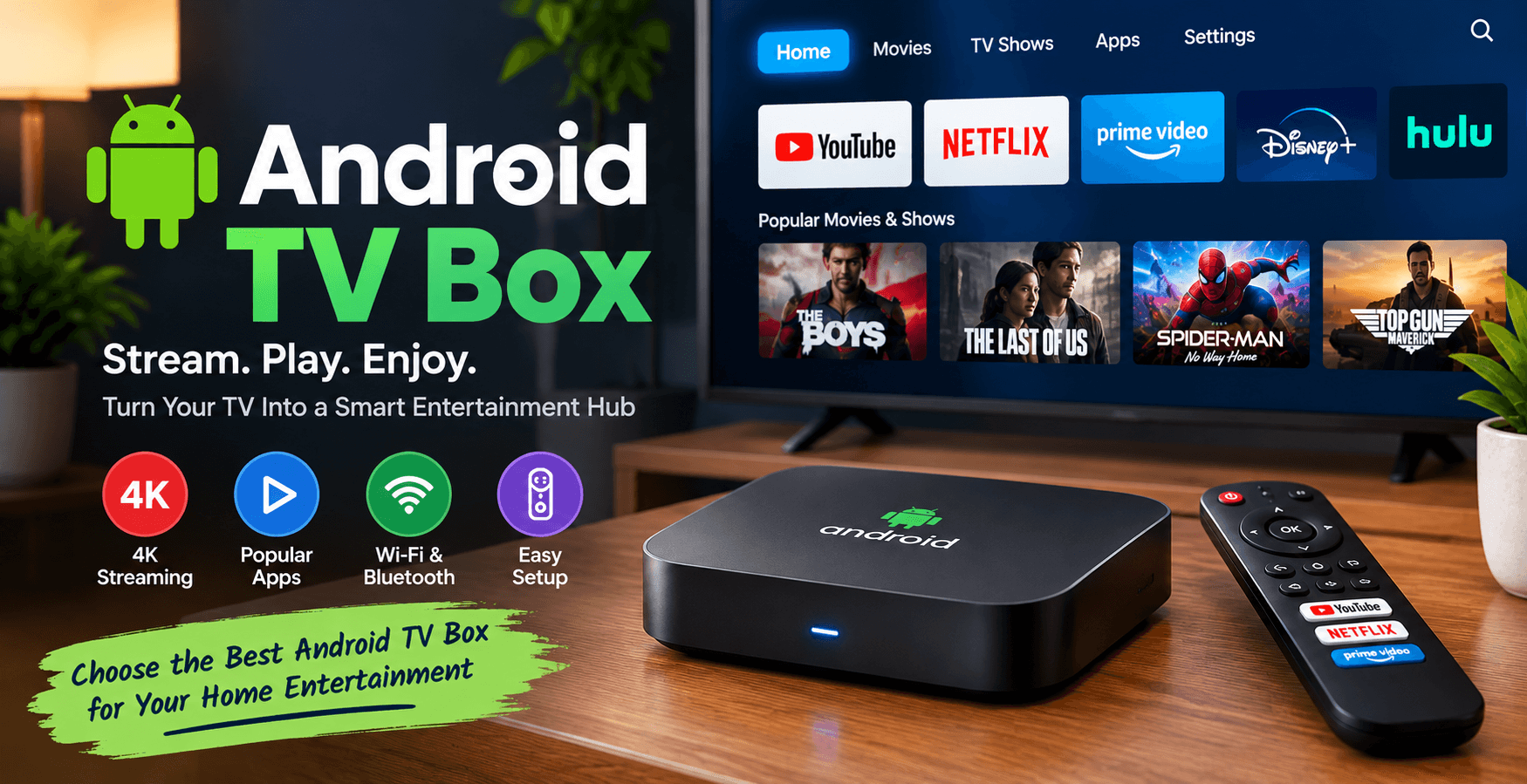
An Android TV Box is a compact streaming device that connects to your television through an HDMI port. It uses an internet connection to provide access to compatible applications, movies, music, and other online content.
Depending on the model, it may support 4K output, Wi-Fi, Bluetooth, voice search, and external storage. However, features and application compatibility vary between devices.
Best Android TV Box Features to Consider
1. 4K Streaming Support
If you own a 4K television, choose a device that supports 4K output and your preferred streaming applications. Actual video quality also depends on your internet connection, subscription plan, and device certification.
2. Performance and Storage
A reliable processor, sufficient RAM, and adequate storage can improve everyday performance. Check the manufacturer's specifications and independent reviews before purchasing.
3. App Compatibility
Make sure the device supports the streaming services you want to use. Certified devices generally provide a more dependable experience with supported applications and protected HD or 4K playback.
4. Connectivity
Look for reliable Wi-Fi and, if needed, Ethernet connectivity. Bluetooth and USB ports may also be useful for compatible accessories and additional storage.
Recommended Streaming Devices
Google TV Streamer (4K)
The Google TV Streamer (4K) is worth considering if you prefer Google's TV interface, compatible streaming applications, and integration with supported Google services.
Best for: Users looking for a premium Google TV experience.
Xiaomi TV Box S (2nd Gen)
The Xiaomi TV Box S (2nd Gen) is another option for users looking for a compact streaming box with Google TV features and 4K output support.
Best for: Users who want a compact device for everyday entertainment.
Visit Xiaomi's official website
Amazon Fire TV Stick 4K
Although it is a streaming stick rather than a traditional Android TV Box, the Amazon Fire TV Stick 4K is an alternative for users who prefer Amazon's Fire TV platform.
Best for: Users who want a compact device that connects directly to HDMI.
Explore Amazon Fire TV devices
Android TV Box vs Smart TV
An Android TV Box is useful when your existing television works well but lacks the streaming features you need. It can add smart entertainment capabilities without requiring you to replace your TV.
A Smart TV, on the other hand, includes built-in internet connectivity and supported applications. It may be a more convenient option if you are buying a new television.
Which is better? Choose an Android TV Box to upgrade a compatible existing TV. Consider a Smart TV if you want an integrated solution with fewer external devices.
How to Set Up an Android TV Box
Setting up an Android TV Box is simple:
- Connect the device to your TV using HDMI.
- Plug in the power adapter.
- Select the correct HDMI input.
- Connect to Wi-Fi or Ethernet.
- Follow the on-screen instructions.
- Install compatible apps from a trusted app store.
Once setup is complete, you can start enjoying supported streaming services.
Frequently Asked Questions
What is the best Android TV Box in 2026?
The best device depends on your budget, preferred streaming services, performance requirements, and desired features. Compare certified devices and check current specifications before buying.
Can an Android TV Box make a normal TV smart?
Yes, provided your television has a compatible HDMI input. A suitable device can add streaming features to your existing TV.
Does an Android TV Box require a subscription?
The device itself may not require a monthly subscription, but some streaming services require separate paid plans.
Does every Android TV Box support 4K?
No. Check the product specifications to confirm its supported resolution and streaming compatibility.
Final Verdict
The best Android TV Box combines reliable performance, compatible streaming applications, suitable video quality, and dependable software support. Before buying, compare features, warranty, and regional availability to find the right option for your entertainment needs.
Ready to upgrade your TV? Explore the recommended devices above and choose the streaming solution that best fits your budget.
Transform Your Digital Infrastructure
Our team designs and ships custom Next.js web applications, mobile apps, and scalable cloud solutions for high-growth tech companies.
Chat Directly on WhatsApp